|
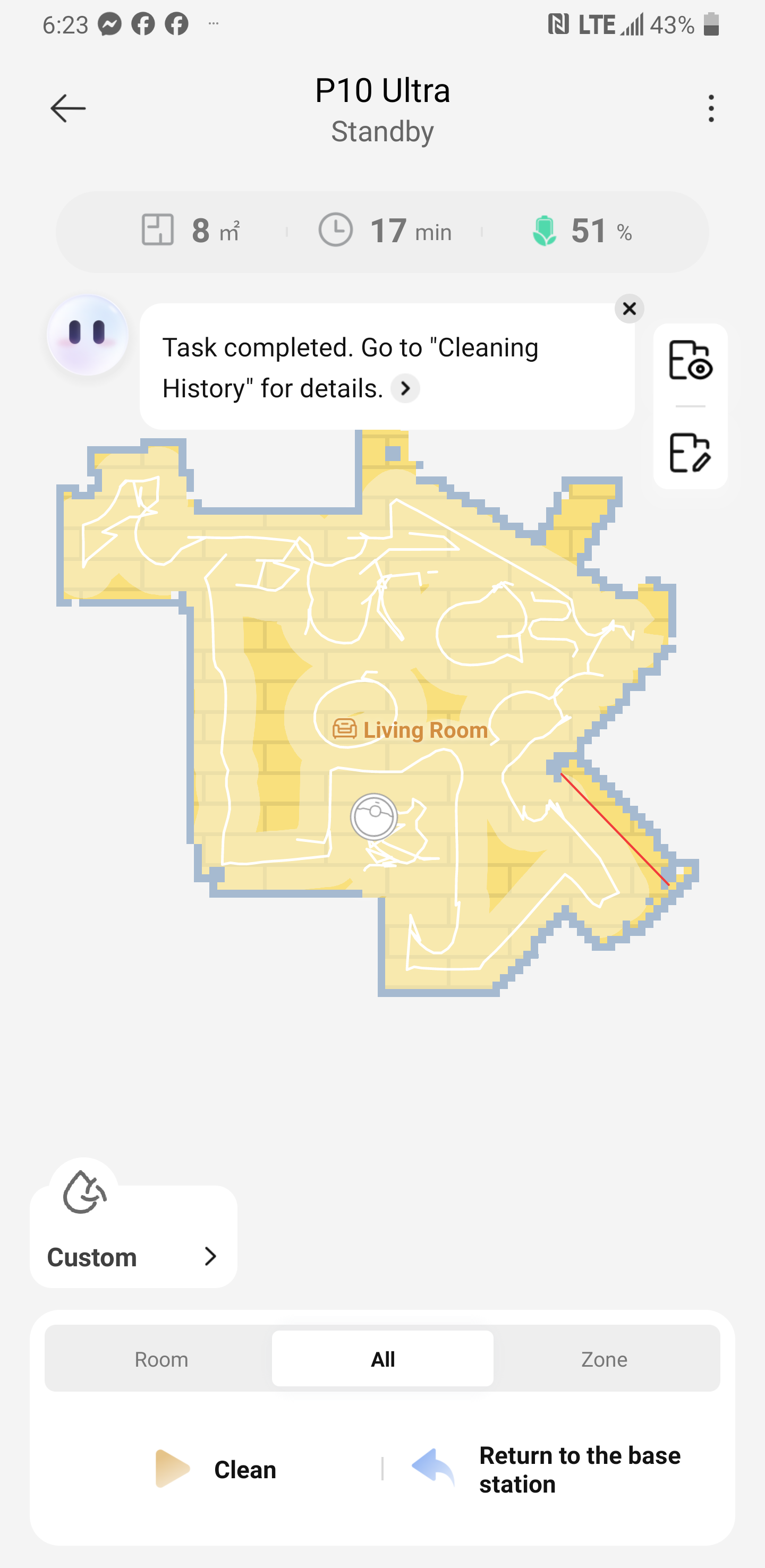
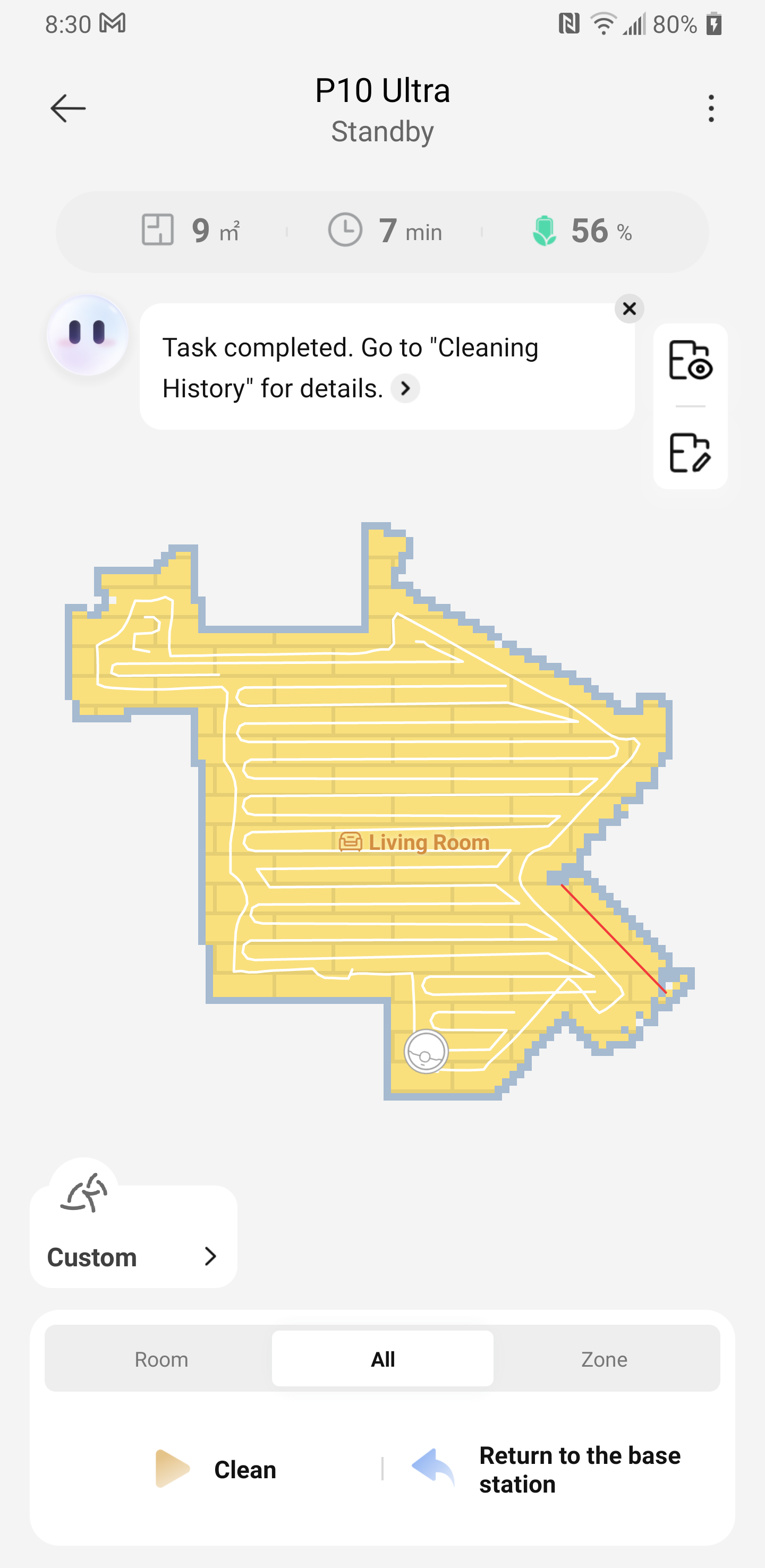
We sincerely apologize for any inconvenience caused. If you have missed any areas, please refer to the following:
1. The robot cannot enter narrow spaces. It can enter spaces larger than 40cm, but for spaces smaller than 40cm, please refer to your home environment for specific guidelines.
2. For robots with ultrasonic carpet detection, if in mopping mode and carpet avoidance is set, the robot will not enter the room if it detects a carpet at the doorway. Please remove the carpet and try again. --Carpet detection switch
3. If the map is overlaid, there is a chance that the robot's positioning will be abnormal, causing missed areas. In this case, please re-create the map. --In addition to re-creating the map, there is also a map restoration function.
4. If there are obstacles such as slippers or power cords on the ground at the entrance of the area, the robot will avoid them. In this case, please clean the floor first.
5. The threshold is too high; our machine can only climb slopes up to about 22mm high. If the height exceeds this, it won't be able to pass through the area smoothly.
6. When encountering obstacles, it will perform a cleaning maneuver around them. There may be some missed areas within a certain range near the obstacle, but this is normal.
7. The laser + AI lens needs to be wiped clean regularly. Dirt can cause the machine to misjudge obstacles and miss areas.
In addition, if the floor mats/carpets in your home are thin and have a smooth surface, the recognition may be unstable. We recommend that you manually set a carpet zone (Map Management - Carpet Edit - Add Carpet) or a no-go zone (Map Management - No-Go Zone/Virtual Wall - Sweep and Mop No-Go Zone) to improve the machine's cleaning efficiency.
| 



 943
943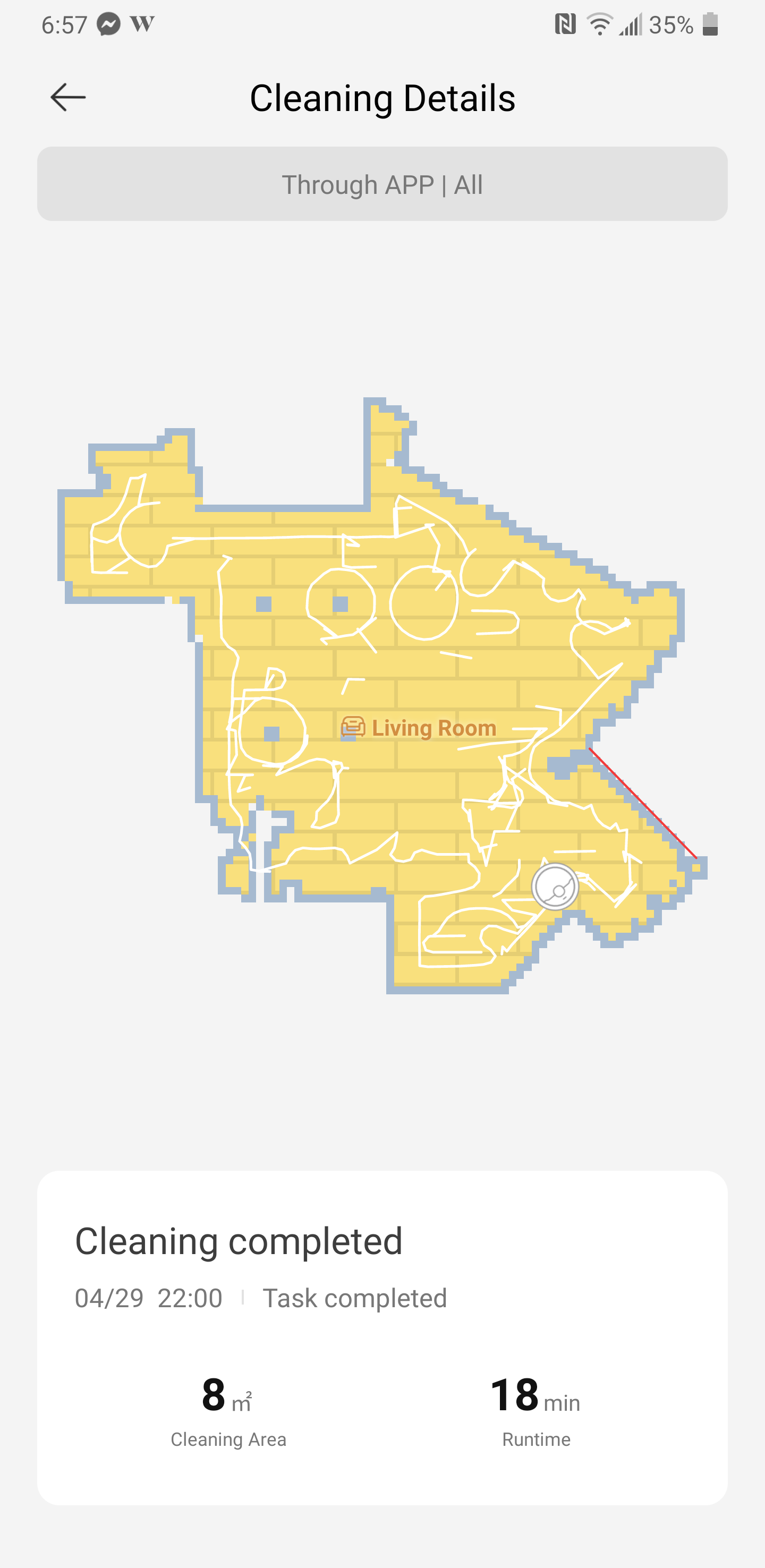


 CA
CA